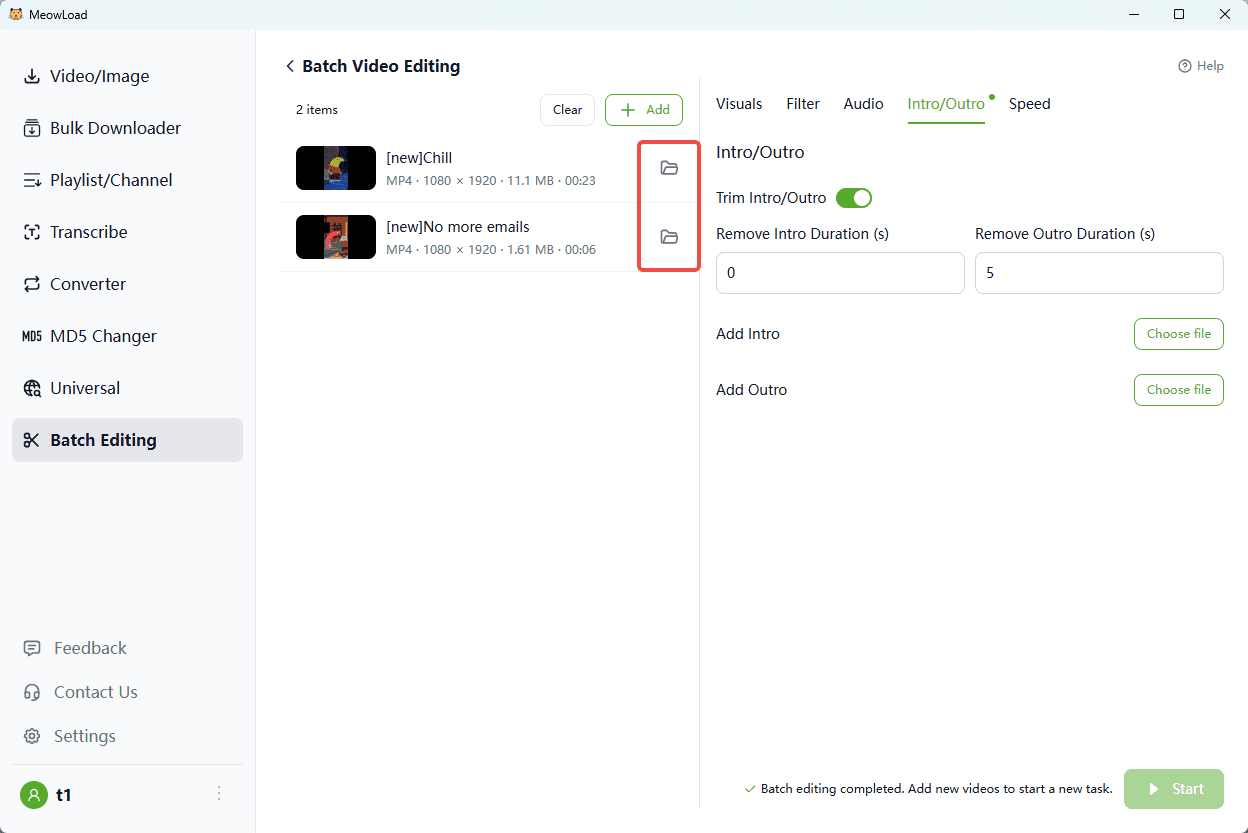
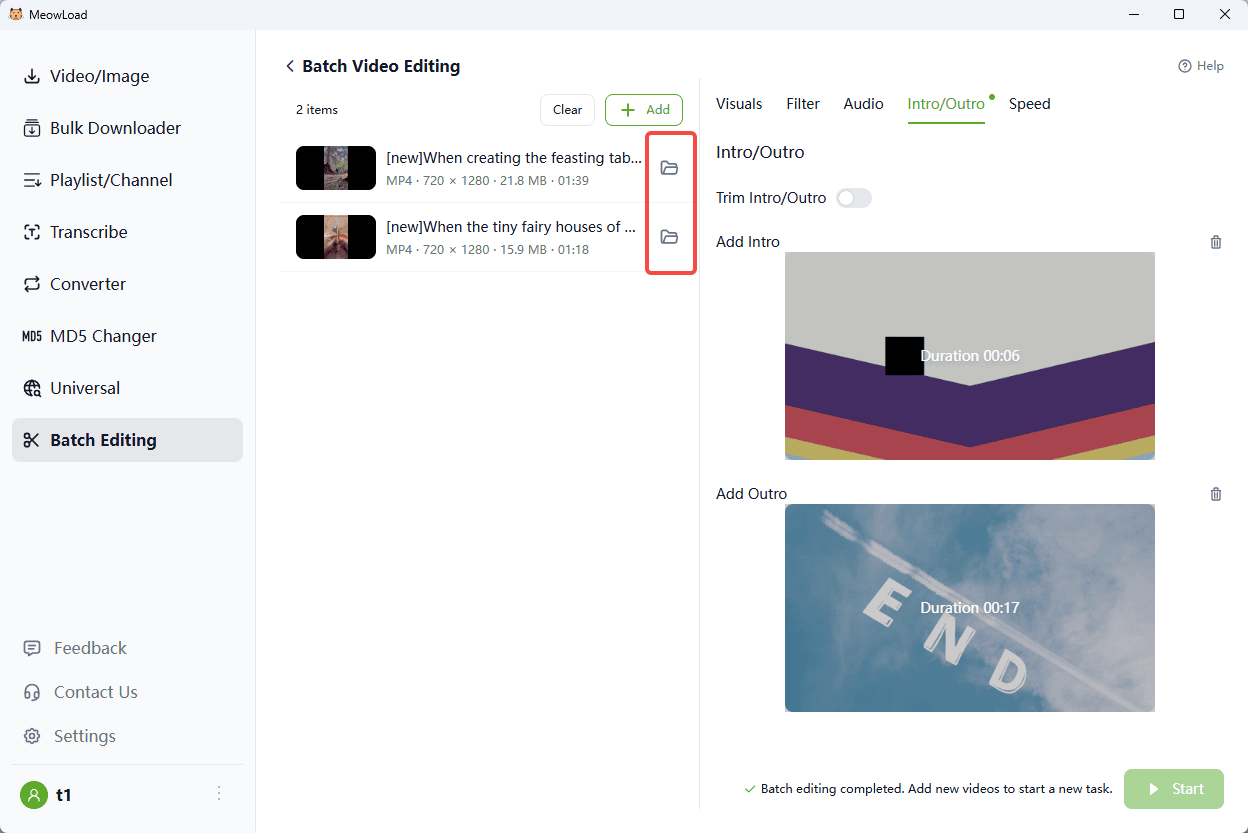
Are you tired of the frustrating, time-consuming process of manually adding or removing intros and outros for dozens of videos? Content creators often spend hours repeating the same steps—opening, importing, editing, and rendering—for every single file, leading to wasted time and inconsistent branding. The common question on forums like Reddit is: "How can I batch add an intro to all my videos with one click?"
MeowLoad's "Batch Add/Remove Intro & Outro" feature is the answer. It eliminates this repetitive work, allowing you to unify your branding across a series of videos or quickly strip outdated segments in minutes, not hours. This tutorial shows you how to automate your workflow and achieve absolute consistency effortlessly.
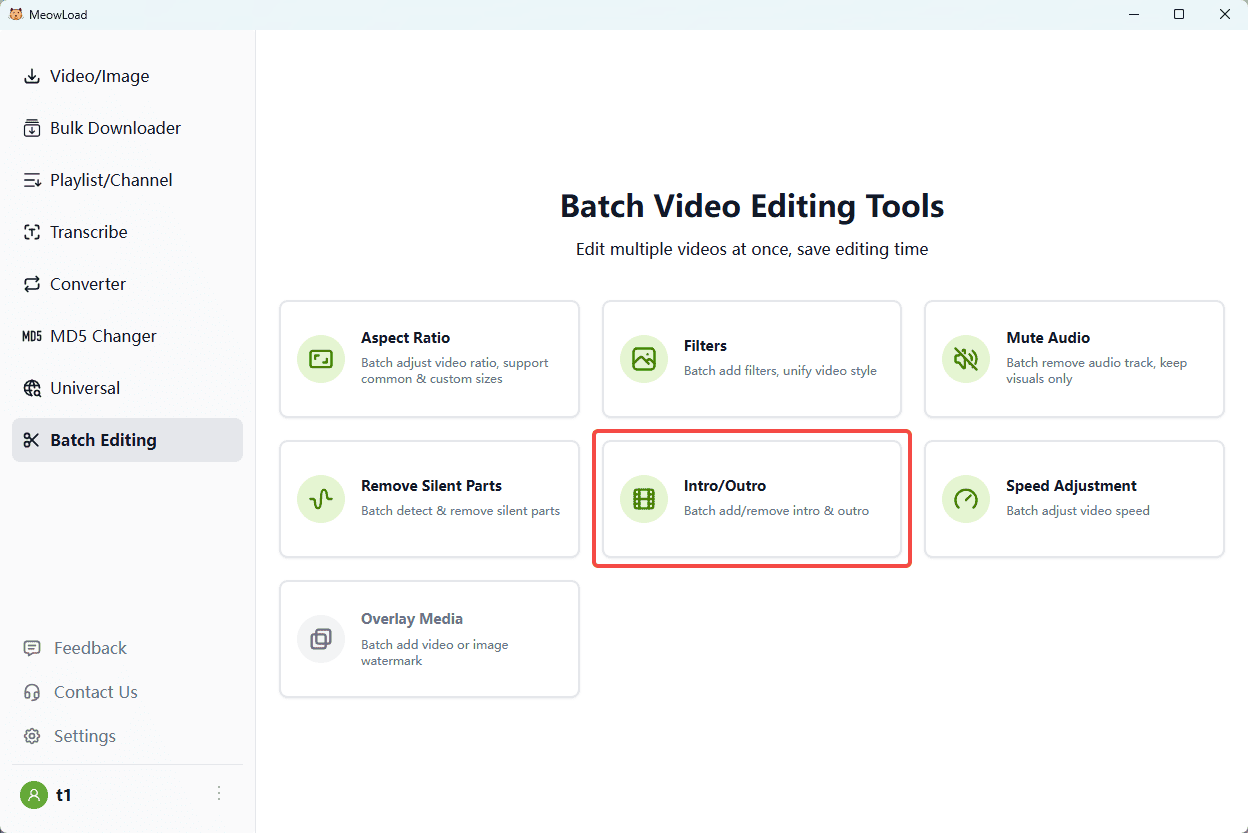
Step 1: Upload Files
Click or drag your main video assets into the tool.
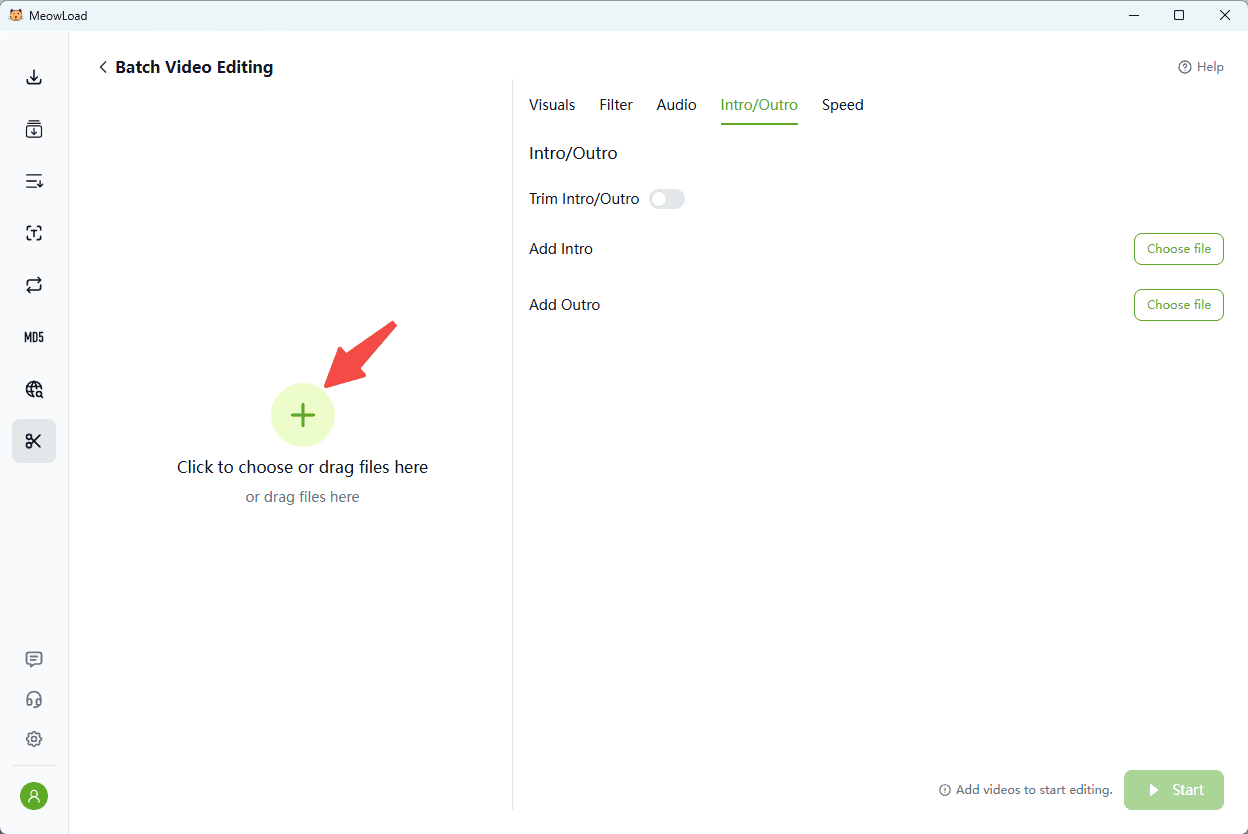
Step 2: Configure Settings
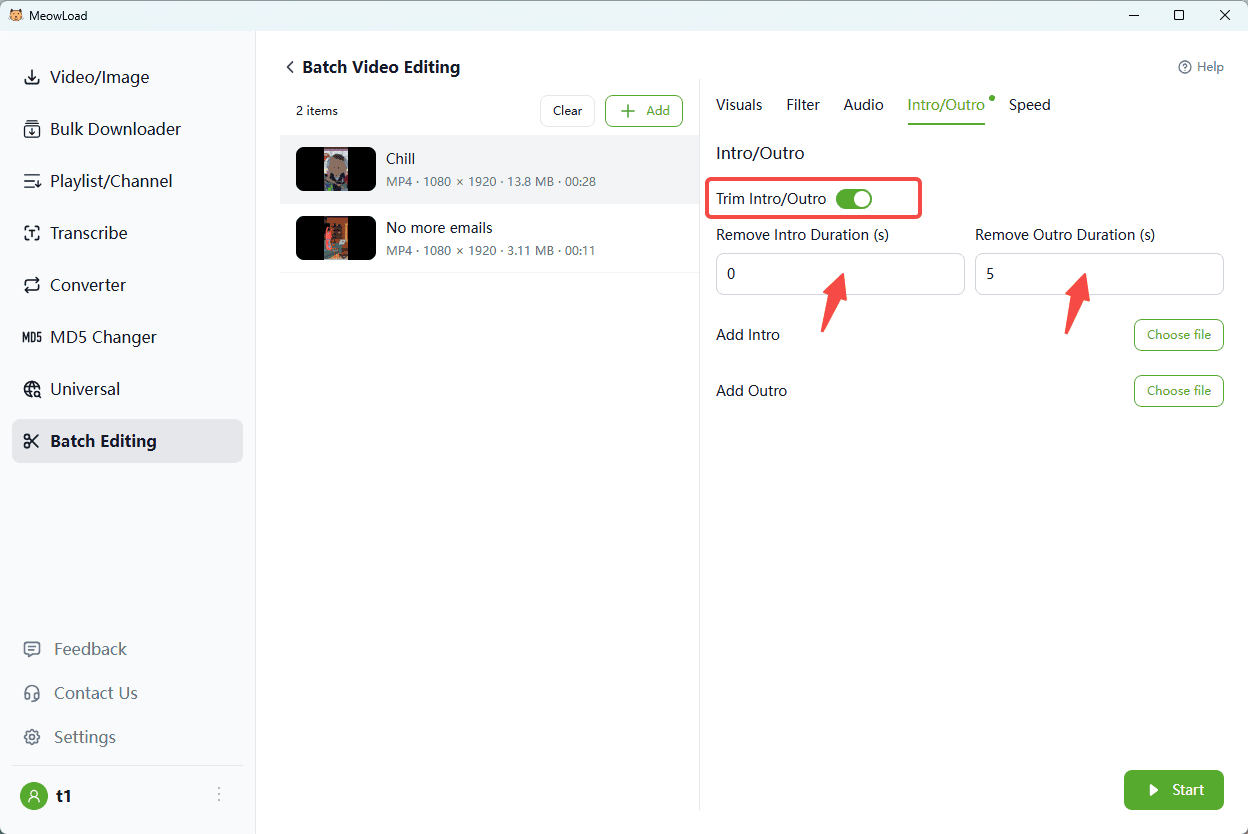
To Remove: Toggle "Trim Intro/Outro" and set the duration (in seconds) to cut.
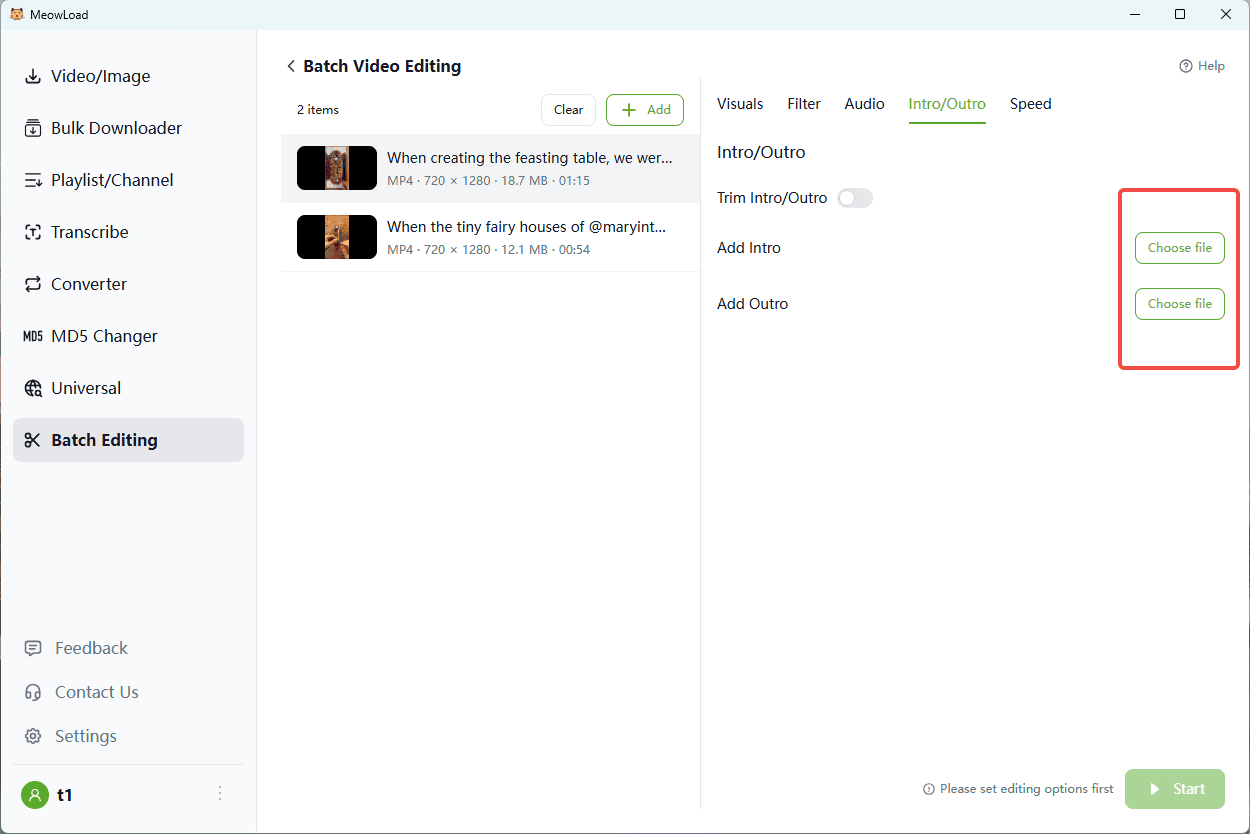
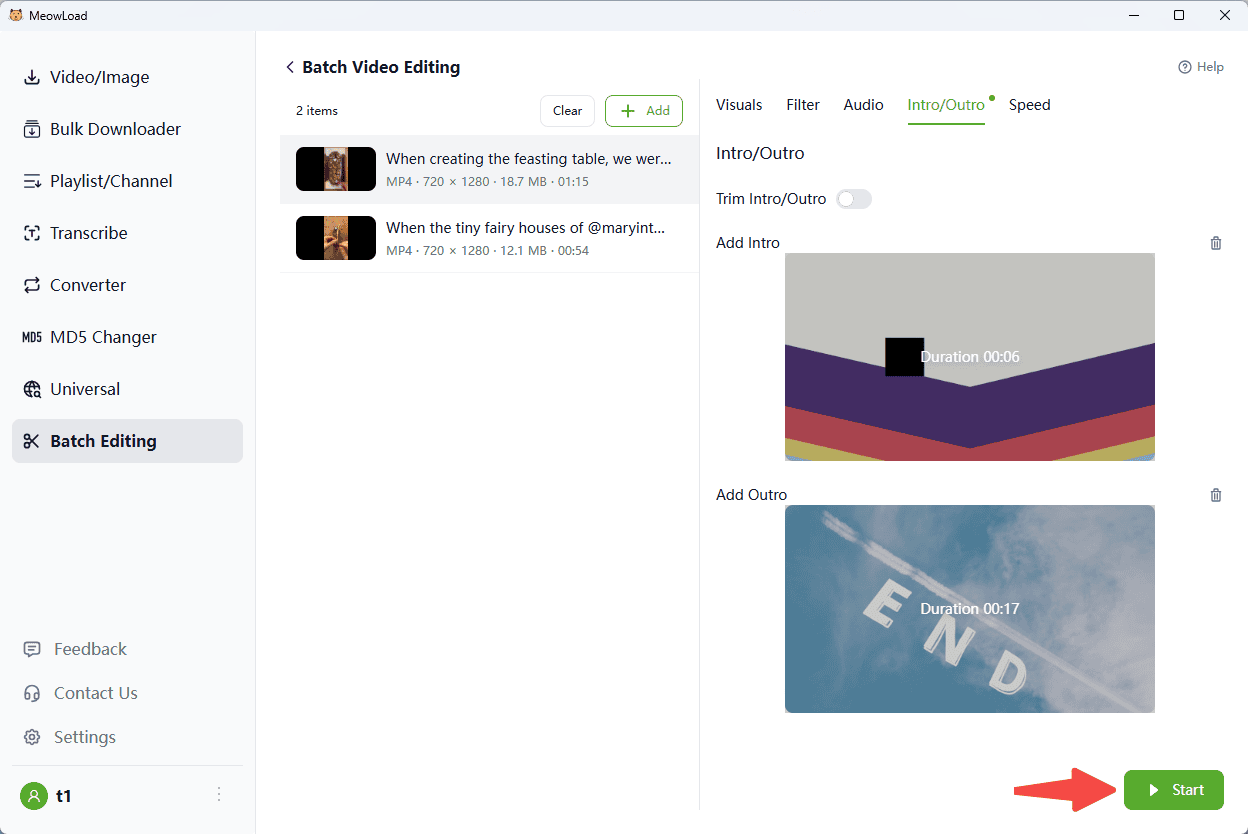
To Add: Upload your specific intro and outro clips to merge them with the main footage.
Step 3: Process & View
Click Start to run the batch task. Open the destination folder to check the results.