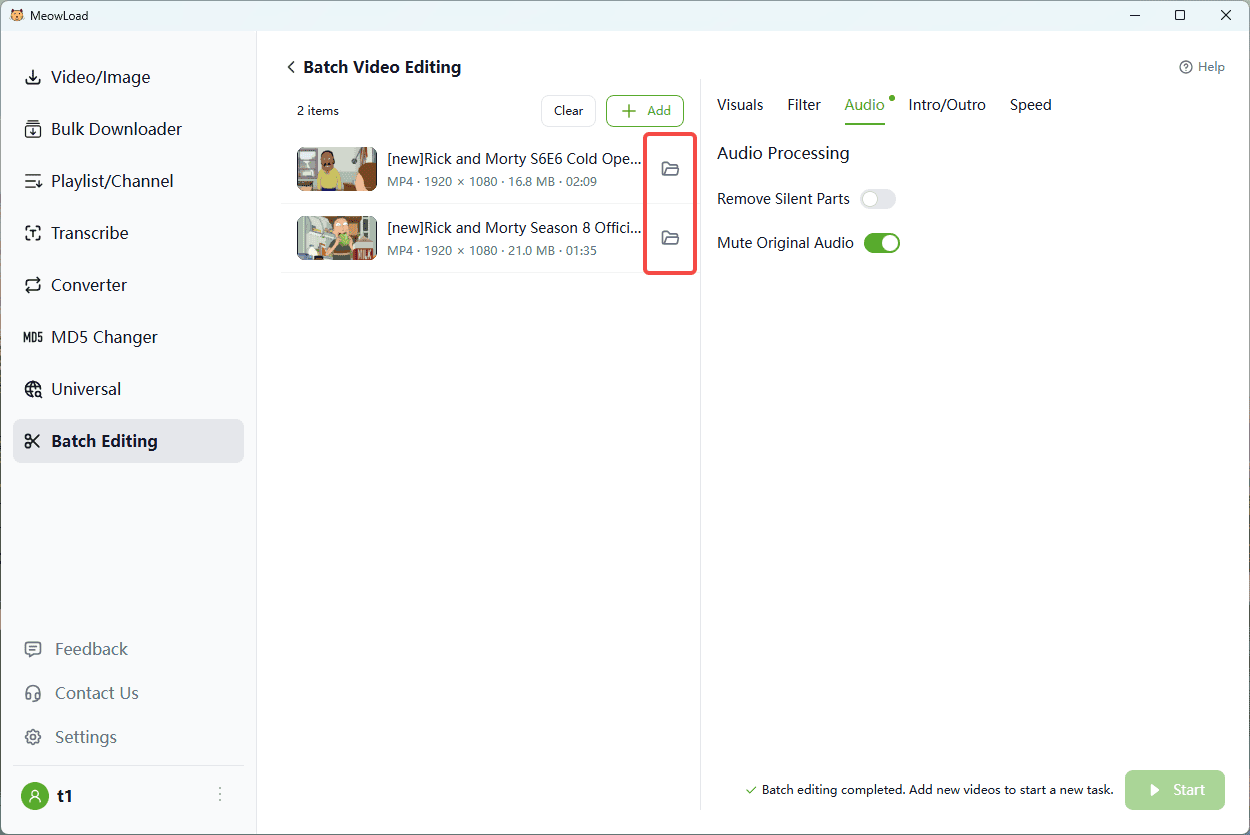
When managing a large volume of video footage, do you frequently need to completely remove the original audio track? Whether you plan to replace it with background music, add professional voiceovers, or simply because the original recording quality is poor, manually muting each file is a time-consuming and repetitive task. This process significantly bottlenecks your workflow, especially when dealing with dozens or hundreds of videos.
MeowLoad's "Batch Mute" Feature offers the fastest solution. It allows you to batch remove all audio tracks from selected video files with a single click within a unified interface. This tutorial will show you how to leverage this feature to quickly clean up your video assets, enabling you to focus entirely on editing and optimizing the visual content.
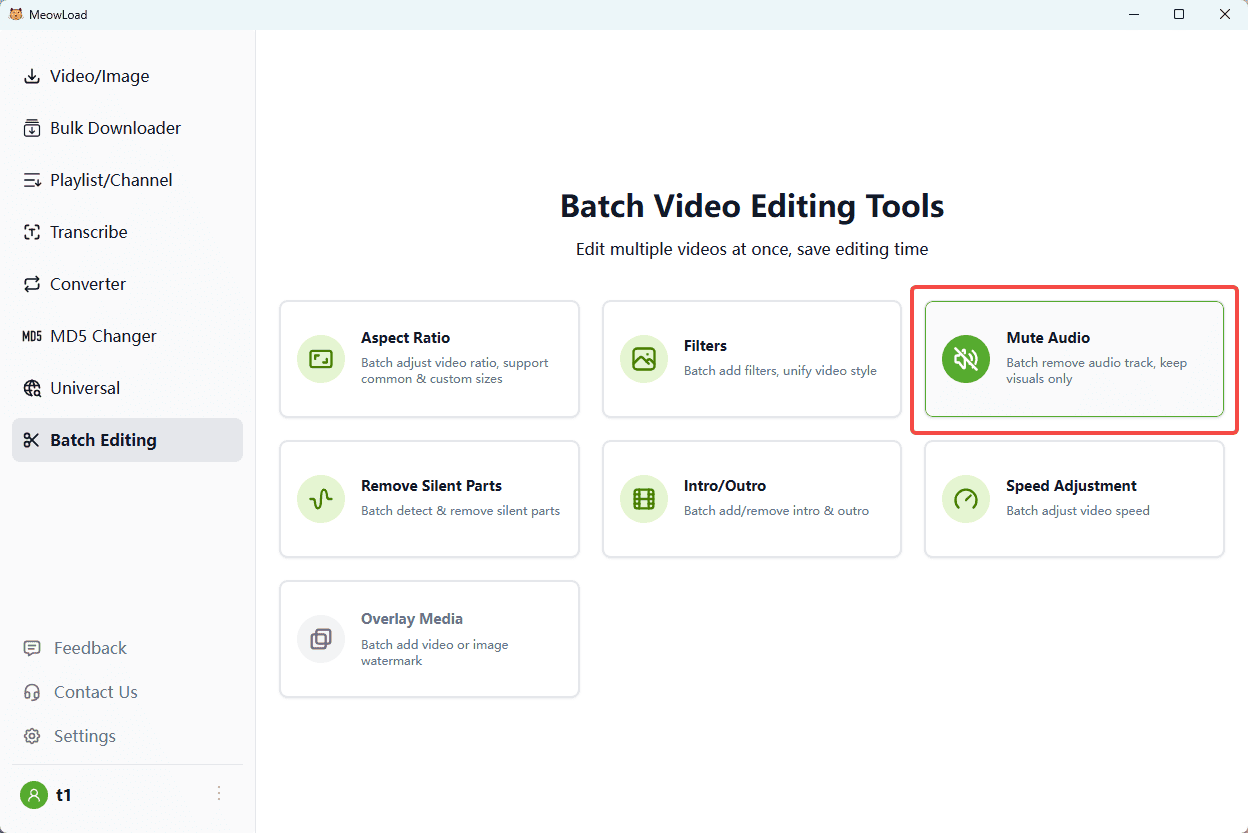
Step 1: Upload Files
Select the videos you wish to mute and upload them.
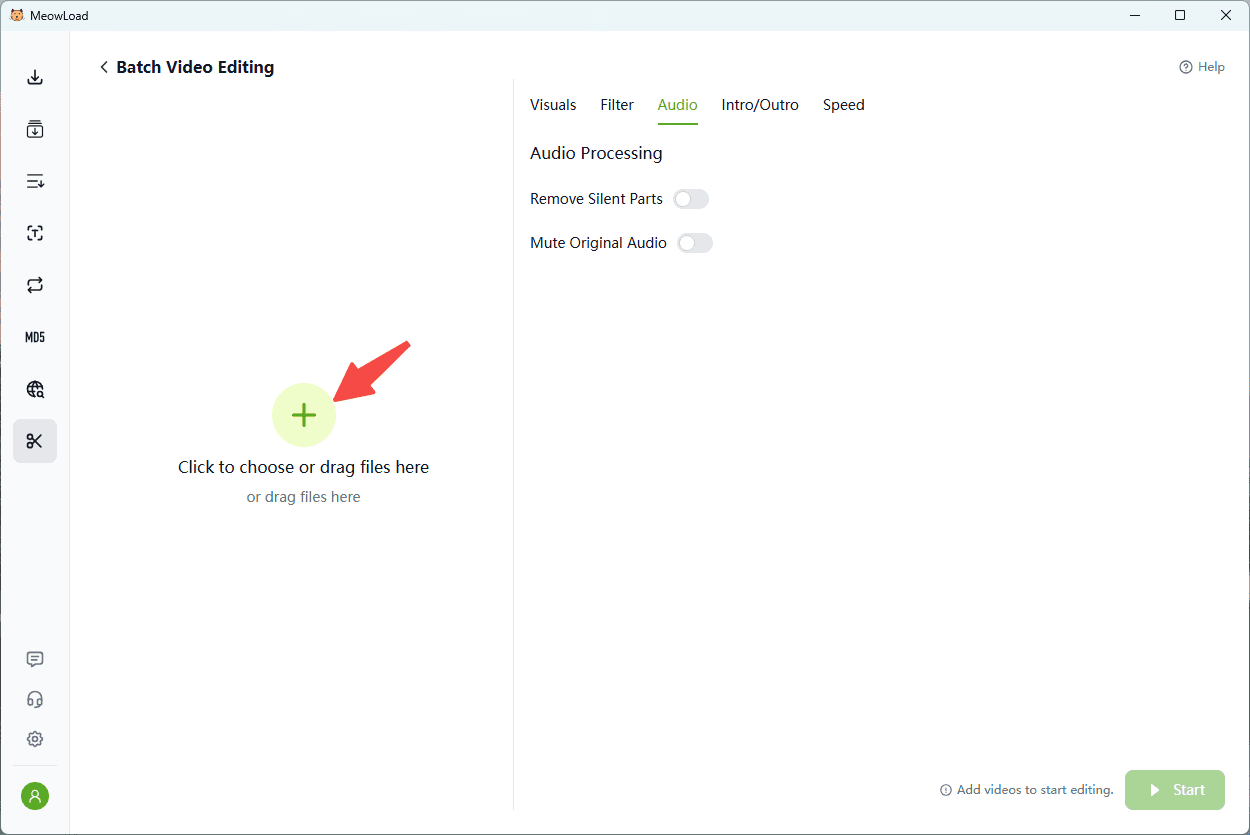
Step 2: Toggle Mute
Enable the "Mute Original Audio" option to strip all sound tracks.
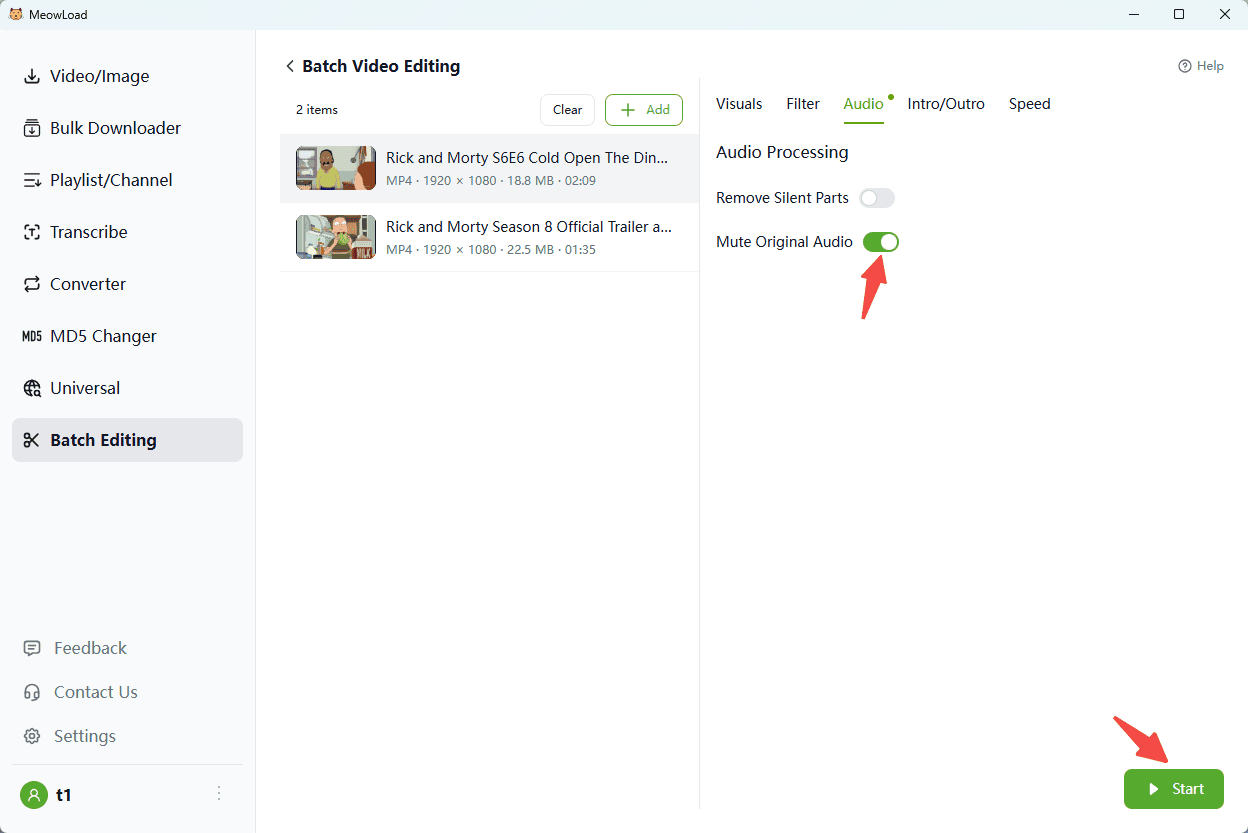
Step 3: Execute
Click Start to generate silent versions of your videos instantly.